
A
Quiet Feature With a Loud Signal
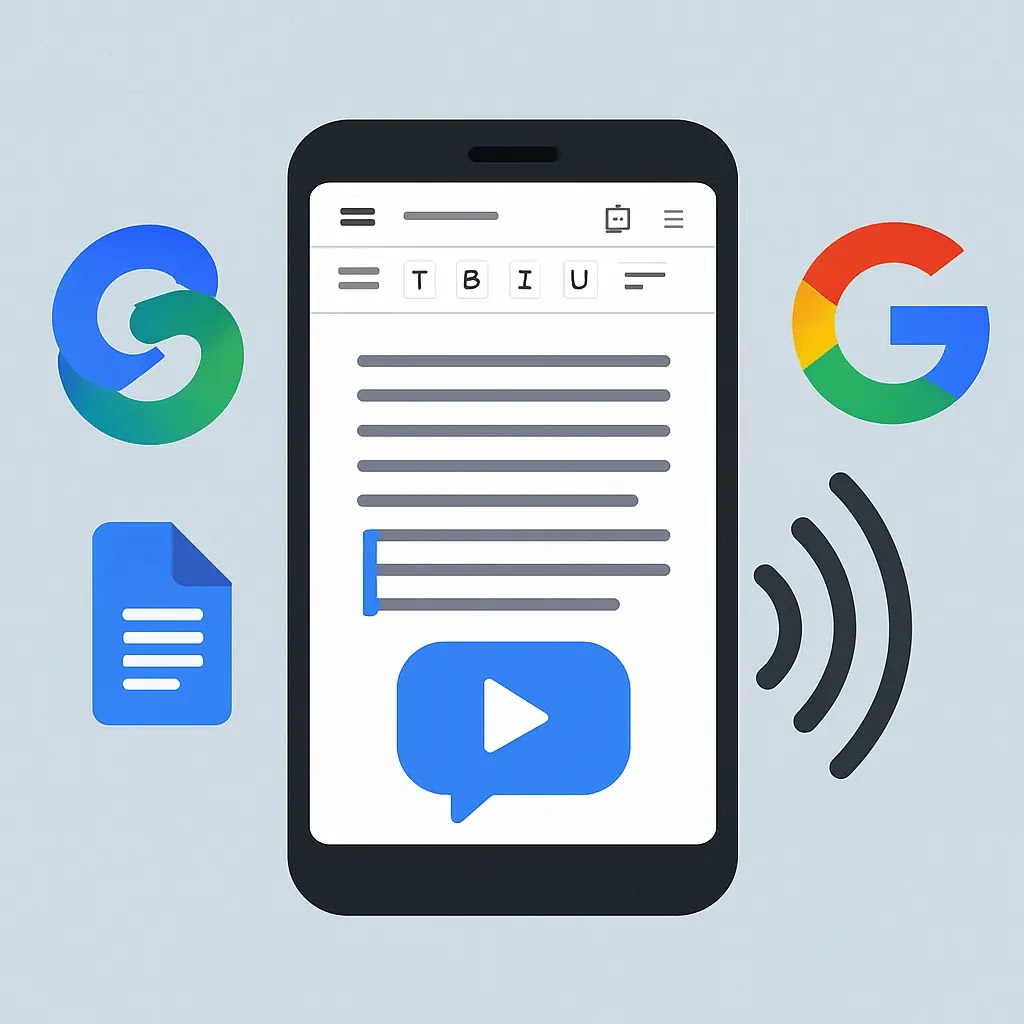
Google has expanded Gemini’s reach inside Google Docs in a way
that is easy to overlook and difficult to underestimate. A new AI-powered
audio feature now allows documents to be read aloud directly within the
application. Users on select Google Workspace plans can activate playback
from the Tools menu, choosing from a handful of voice styles and adjusting
reading speed to suit their purpose. The feature launched in English only,
but the ambition behind it is unmistakably global.
At first glance, this looks like an accessibility update. On
closer examination, it signals something larger: the transformation of a
document editor into a fully multimodal productivity environment, one where
text, voice, and AI generation are not separate functions but aspects of a
single integrated experience. Google is not adding a text-to-speech button.
It is beginning to redefine what a document is.
How It Works
The
Verge confirmed that the integration is designed to be seamless
rather than disruptive. Users can either navigate to Tools, then Audio, then
Listen to this tab, or embed a playback button directly within the document
itself. A floating controller appears during playback, allowing adjustments
to pace and pausing without interrupting the reading flow. The experience
mirrors consumer audiobook applications more than it resembles the robotic
text-to-speech tools that have existed in software for
decades.
The voice options are meaningfully differentiated. Google offers
styles including Narrator, Educator, and Conversational, each calibrated for
a different register of reading. Narrator suits formal reports and long-form
analysis. Educator is paced for comprehension, useful for study materials.
Conversational works for emails, memos, and anything written in a more
informal register. Users can also fine-tune playback speed independently of
the voice style chosen, from slow-paced review to rapid
scanning.
According to Google
Workspace Updates, rollout began on 18 August for rapid-release
domains, with broader availability scheduled for 25 August. The feature is
available on Gemini Business and Enterprise tiers, reflecting Google’s
consistent strategy of introducing premium AI capabilities as differentiators
within its productivity suite rather than distributing them uniformly across
all plans.
Accessibility as Strategic Ground
The accessibility case for this feature is genuine and
substantial. Users with visual impairments, dyslexia, attention difficulties,
or fatigue-related challenges have always been underserved by document
software that assumes reading is effortless for everyone. The ability to
listen to a document rather than read it extends the utility of Google Docs
to people who have been implicitly excluded from its primary mode of
interaction.
This is consistent with a broader pattern in how AI is being
applied to communication and comprehension. The same logic that drives AI-assisted
therapy tools into healthcare applies here: AI can extend the reach
of a service that was previously constrained by assumptions about who would
use it and how. In both cases, the technology’s value depends on how
carefully it is implemented, not simply on the fact that it
exists.
The risk is that restricting the feature to premium subscription
tiers limits its accessibility impact to the users who are already best
resourced. A student with dyslexia using a free Workspace account does not
benefit from a feature that requires an enterprise licence. If Google’s
stated ambition is to democratise access to AI tools, the gap between that
claim and the reality of tiered availability deserves
scrutiny.
What This Tells Us About Google’s Workspace Strategy
Read-aloud is one element of a significantly more ambitious plan
to reposition Google Workspace as an AI-native platform rather than a
web-based replication of traditional office software. Gemini’s
broader expansion into Workspace spans audio generation in Docs,
AI-assisted presentation design in Slides, and video creation capabilities in
Google Vids powered by Veo 3. Together, these updates represent a claim that
Workspace can handle tasks that previously required separate creative
tools.
The competitive context sharpens this strategy considerably.
Microsoft has spent the past two years embedding Copilot capabilities across
its Office suite, making AI assistance available in Word, Excel, Teams, and
Outlook in ways that have become a central part of its enterprise sales
pitch. Adobe has expanded Firefly’s presence across its creative
applications, capturing design and media workflows that are adjacent to the
productivity market. Google is responding by trying to make Workspace the
single environment where knowledge workers can write, design, present, and
now produce audio content without switching applications.
Whether that ambition is achievable depends on execution quality
and on how enterprises weigh the value of consolidation against the depth of
specialist tools. A marketing team that currently uses professional recording
software for audio content is not going to abandon it because Google Docs can
now read documents aloud. But for the much larger number of knowledge workers
who need basic audio functionality without the complexity of specialist
production, the integration may prove genuinely useful.
Privacy Questions the Feature Does Not Answer
The launch documentation says relatively little about how Google
handles data generated during playback sessions. When a document is read
aloud through a Gemini-powered feature, does information about which
documents were accessed, how long they were listened to, and which sections
prompted the user to pause get fed back into Google’s systems? The answer
matters both for individual users and for the enterprise clients whose
document contents are frequently confidential.
These questions are not hypothetical. The regulatory
environment around AI data handling is tightening across multiple
jurisdictions, and features that blend document access with AI processing
create data flows that existing privacy frameworks were not designed to
address. Google’s enterprise track record on data protection is strong, but
that track record was built on a generation of products that did not involve
AI models processing document content in real time.
The Road Ahead for AI in Productivity Software
The read-aloud feature is modest in isolation. In context, it is a
meaningful data point in a larger argument that the document editor of the
future is not a place where you type text and format it. It is a multimodal
workspace where the same content can be written, listened to, transformed
into a presentation, and eventually turned into a video, all within the same
application, all augmented by AI at each step. The ability to listen to a
document while commuting, exercising, or managing other tasks represents a
genuinely new mode of information consumption that was not practically
available at this level of integration before.
Google is not the only company making this argument. The direction
of travel across the productivity software market is clear. What is less
clear is whether the user experience of AI-augmented productivity genuinely
improves how people work, or whether it introduces new complexity and new
dependencies that offset the efficiency gains. The read-aloud feature is
simple enough that the answer is likely positive. The larger question it
raises about the future of document software, and about what it means for the
skills and habits of the people who use it, will take considerably longer to
answer than any product launch cycle allows. For now, the feature represents
a genuinely useful addition to a platform that is evolving faster than most
of its users have had time to process.
About the Author
By Stuart Kerr, Technology Correspondent, LiveAIWire. Stuart
covers artificial intelligence, productivity technology, and the ways AI is
reshaping how people work. About
LiveAIWire.